
First review
Intake and prescreening
Bring study interest, source context, and possible-fit signals into a structured coordinator review path.
See intake, review, scheduling, and sponsor reporting in one operating view.A product tour for teams that need intake, prescreening, records readiness, scheduling, and sponsor reporting to show up in one accountable operating view.
Switch perspectives to see the signal, owner, blocker, and next action at each stage. Every example is fictional, and sponsor views remain aggregate.
The patient chooses a study, reviews the public details, and decides whether to share information for study-team review.
A structured inquiry enters the coordinator queue.
Prescreening helps the study team understand possible fit. It does not determine final eligibility or enrollment.
The study team receives organized answers for review.
The patient can see that the study team is reviewing the inquiry without being told that eligibility or enrollment is final.
The reviewed inquiry moves to follow-up, records, or a documented close reason.
When the site requests an item, the patient can see the request status and the next available action in the patient workspace.
The site can see whether the inquiry is ready to move toward scheduling.
The patient receives the next scheduling request only after the site has chosen to move the inquiry forward.
The patient and site receive a clear scheduling status.
Patient-facing updates remain focused on the individual inquiry, while sponsor reporting uses aggregate operational information.
Sponsors receive aggregate movement, blockers, and next actions.
A compact look at how patients, coordinators, and sponsors share the same operating context without scattered handoffs.

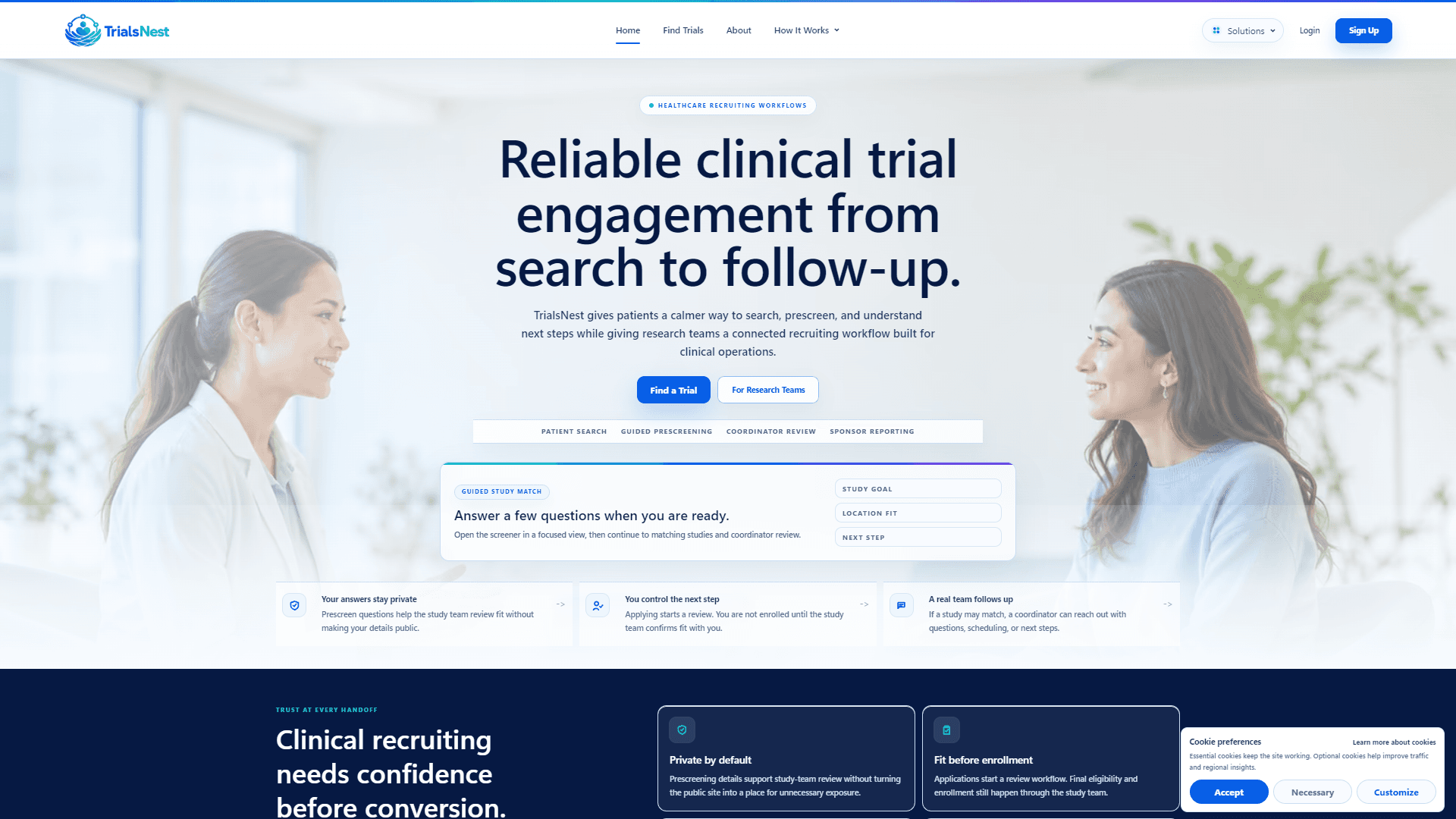
A calmer way for patients to move from search to prescreening, with research teams ready for the next step.
TrialsNest keeps the public experience calm while giving each handoff a place to land.
Coordinate review, records, scheduling, and reporting without turning operations into clutter.

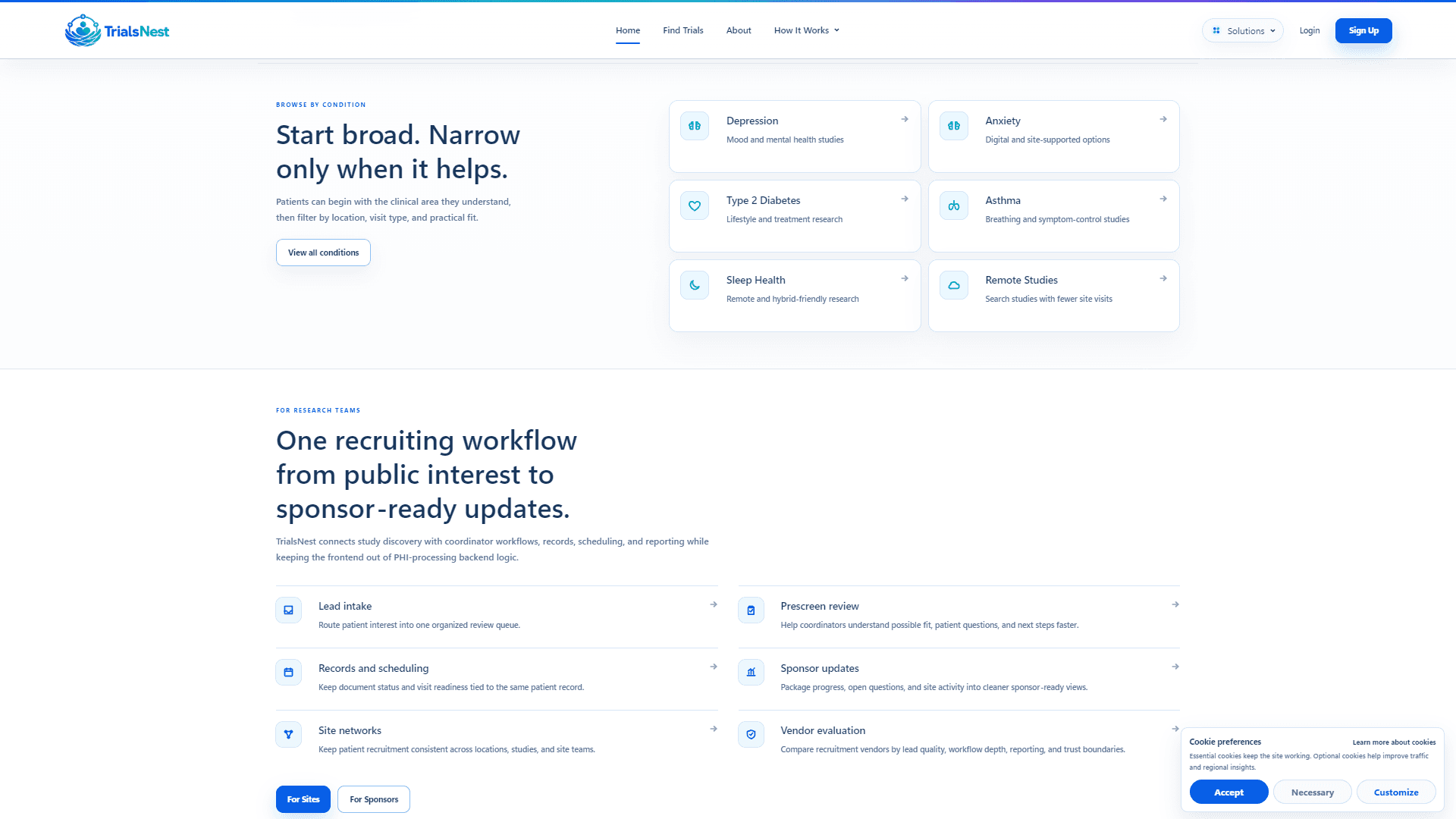
Explore studies with confidence, or give your recruiting team a connected workflow built around the journey.
See how search, prescreening, study-team review, requests, and scheduling appear in the patient journey.
See how coordinators and site leaders work ownership, blockers, records, scheduling, and follow-up.
See how aggregate movement, source quality, site blockers, and next decisions become a clearer operating story.
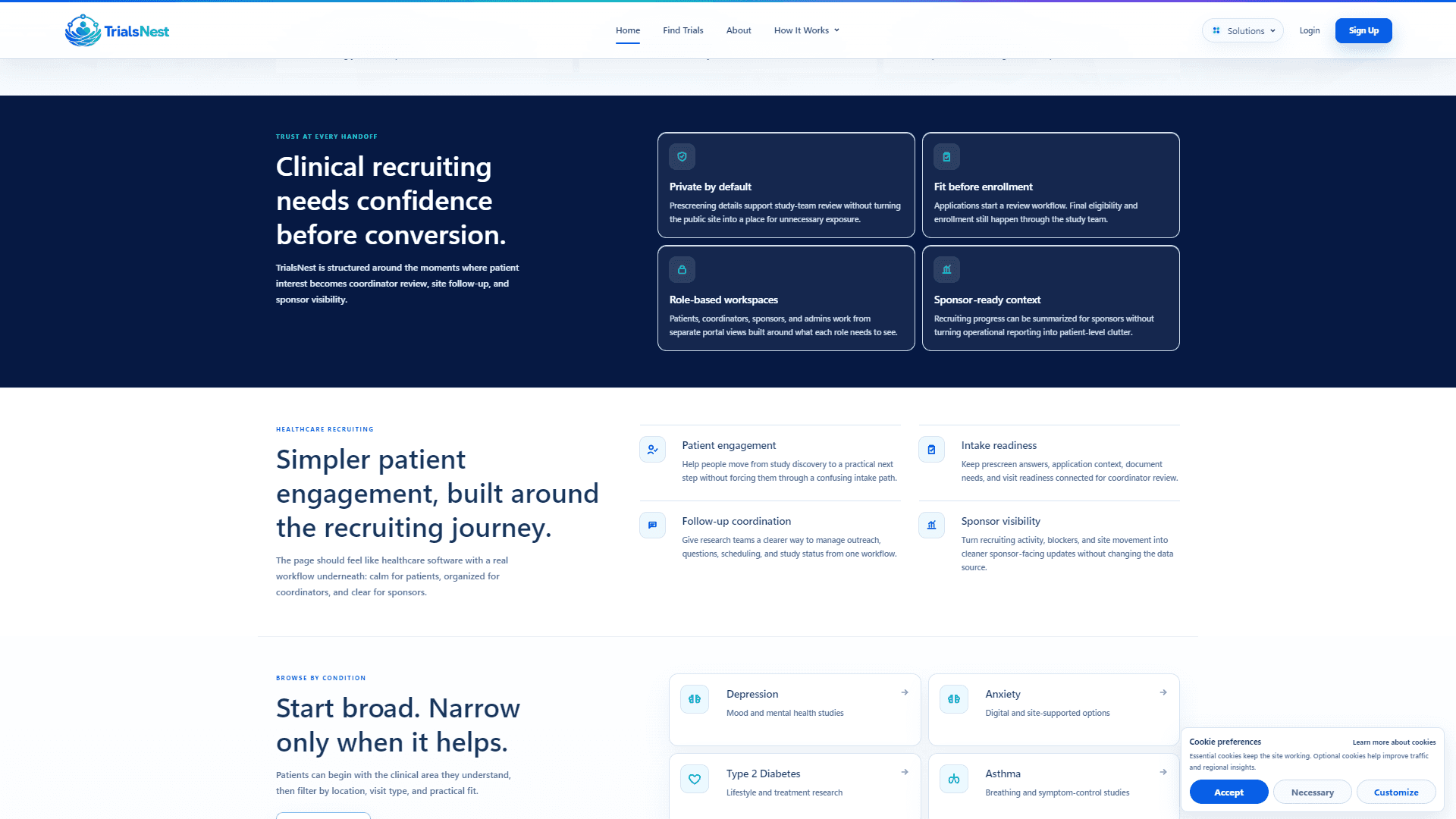
Public pages stay educational and separate from secure recruiting records.
AI support is framed as organization and queue review, not final eligibility or medical decision-making.
Sponsor reporting focuses on aggregate movement, blockers, and next actions without becoming broad patient-detail access.
Four connected capability groups keep intake, readiness, scheduling, and aggregate reporting aligned around the next action. The full site catalog covers the detailed operating tools.
Bring study interest, source context, and possible-fit signals into a structured coordinator review path.
Keep requests, outstanding items, review needs, and the next follow-up attached to the recruiting record.
Turn site-approved movement into an owned outreach or scheduling action without losing recent context.
Summarize aggregate movement, blockers, close-reason trends, owners, and decisions without patient-level access.
Bring your current intake, follow-up, records, scheduling, and sponsor reporting process. We will map where the platform fits.