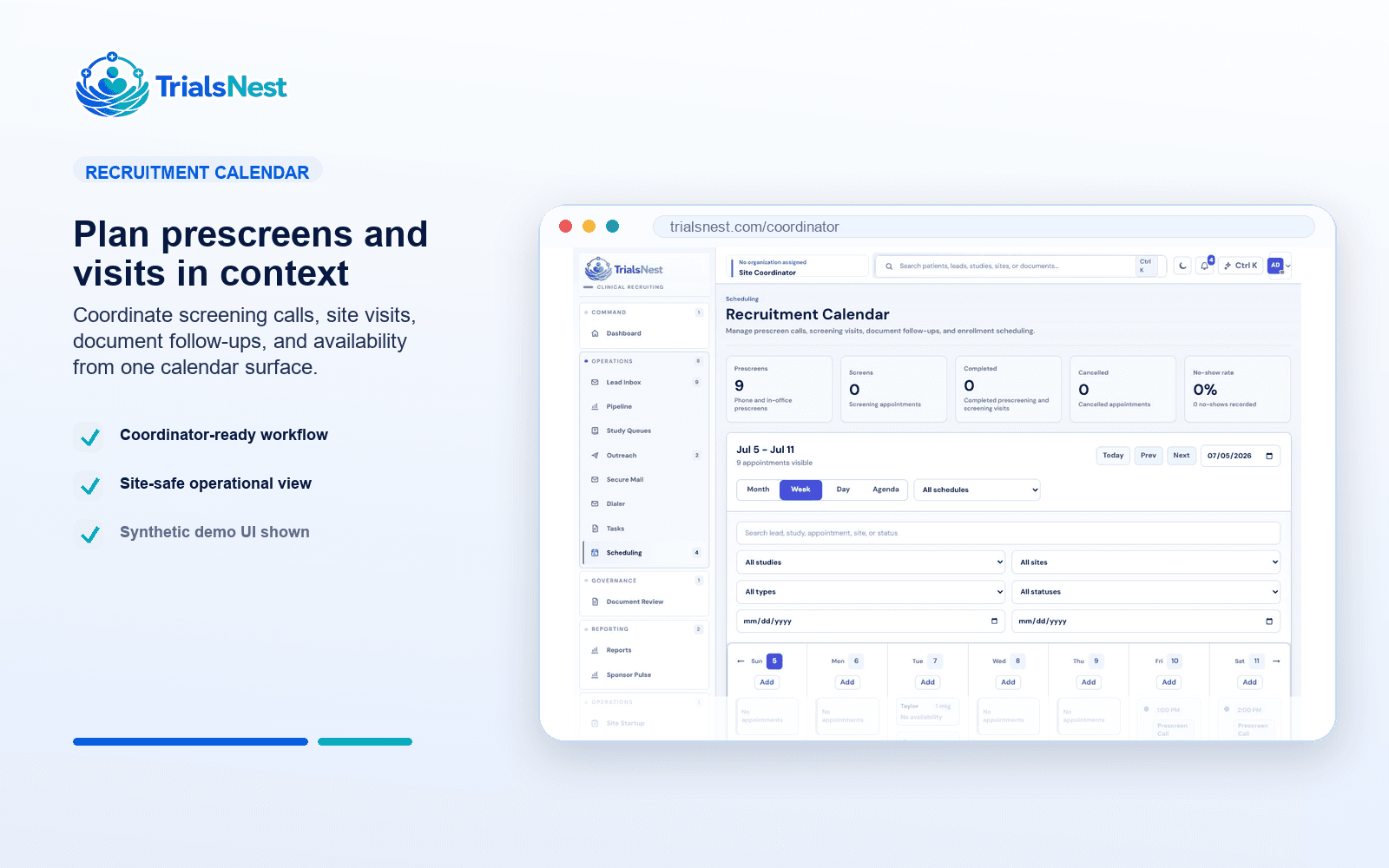
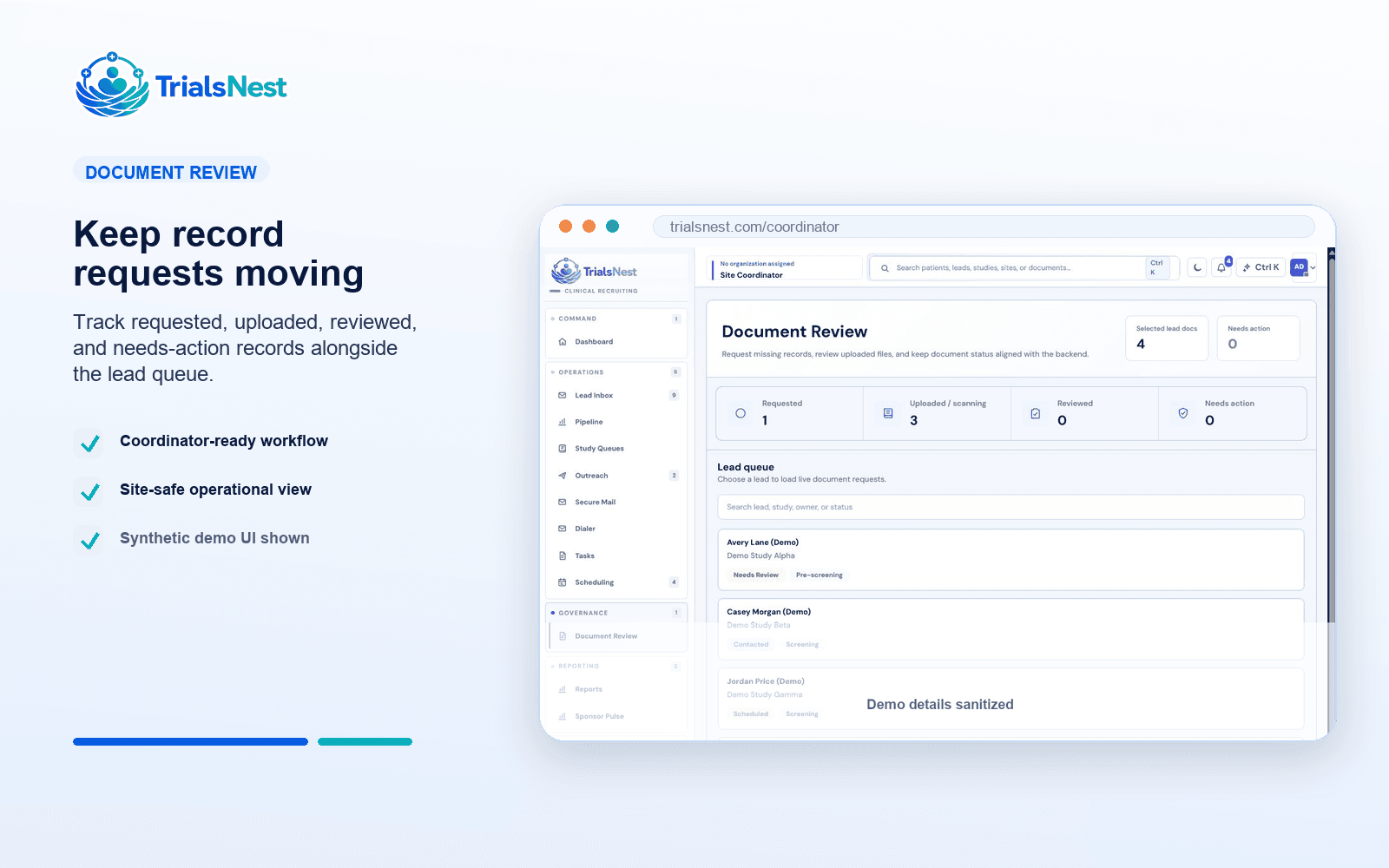
01
Know what needs attention today
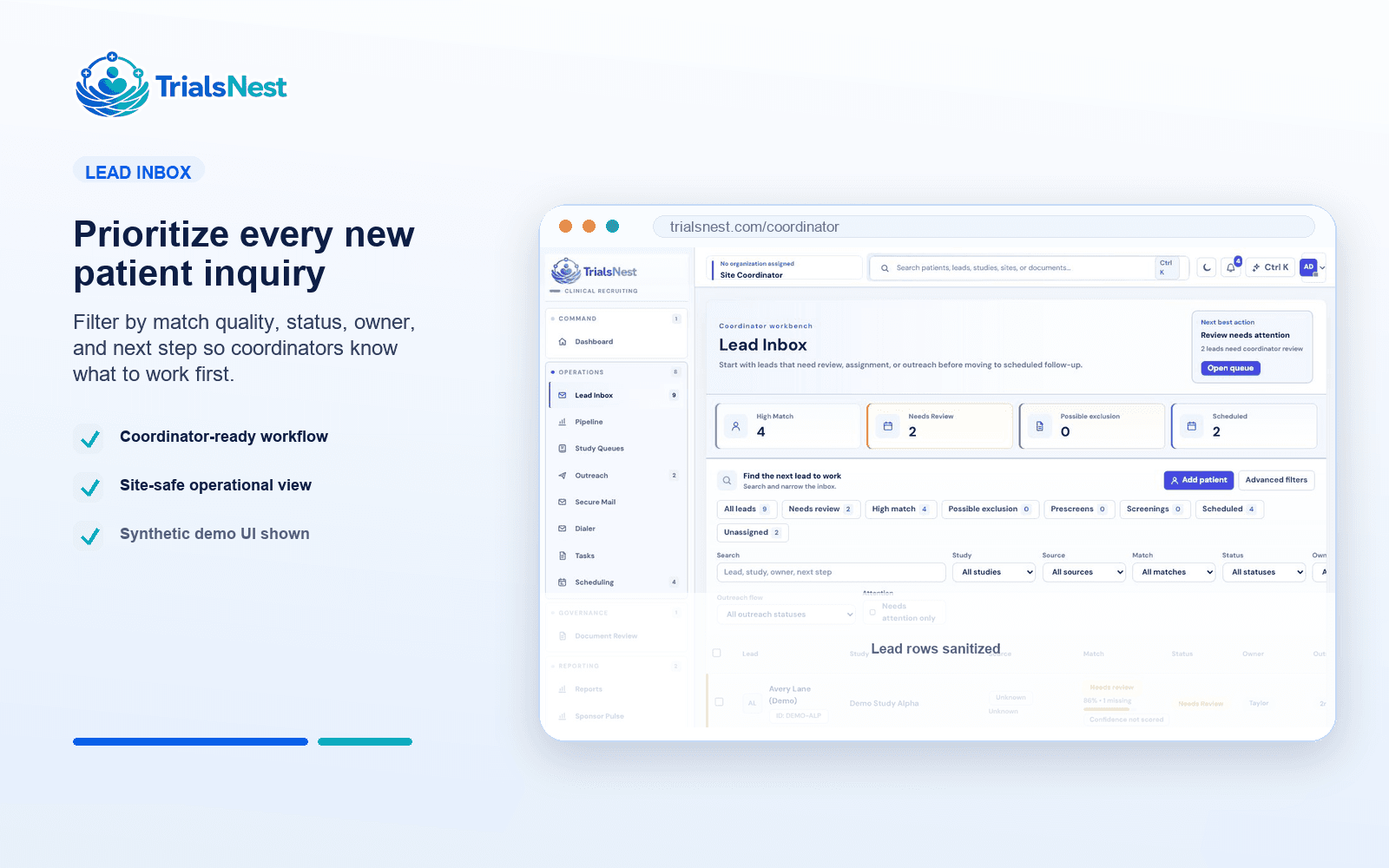
Instead of hunting through inboxes and spreadsheets, coordinators can see which patients need review, records, outreach, scheduling, or a clean close reason.
TrialsNest gives coordinators one place to see new inquiries, prescreen status, records needs, follow-up, visit readiness, and sponsor updates.
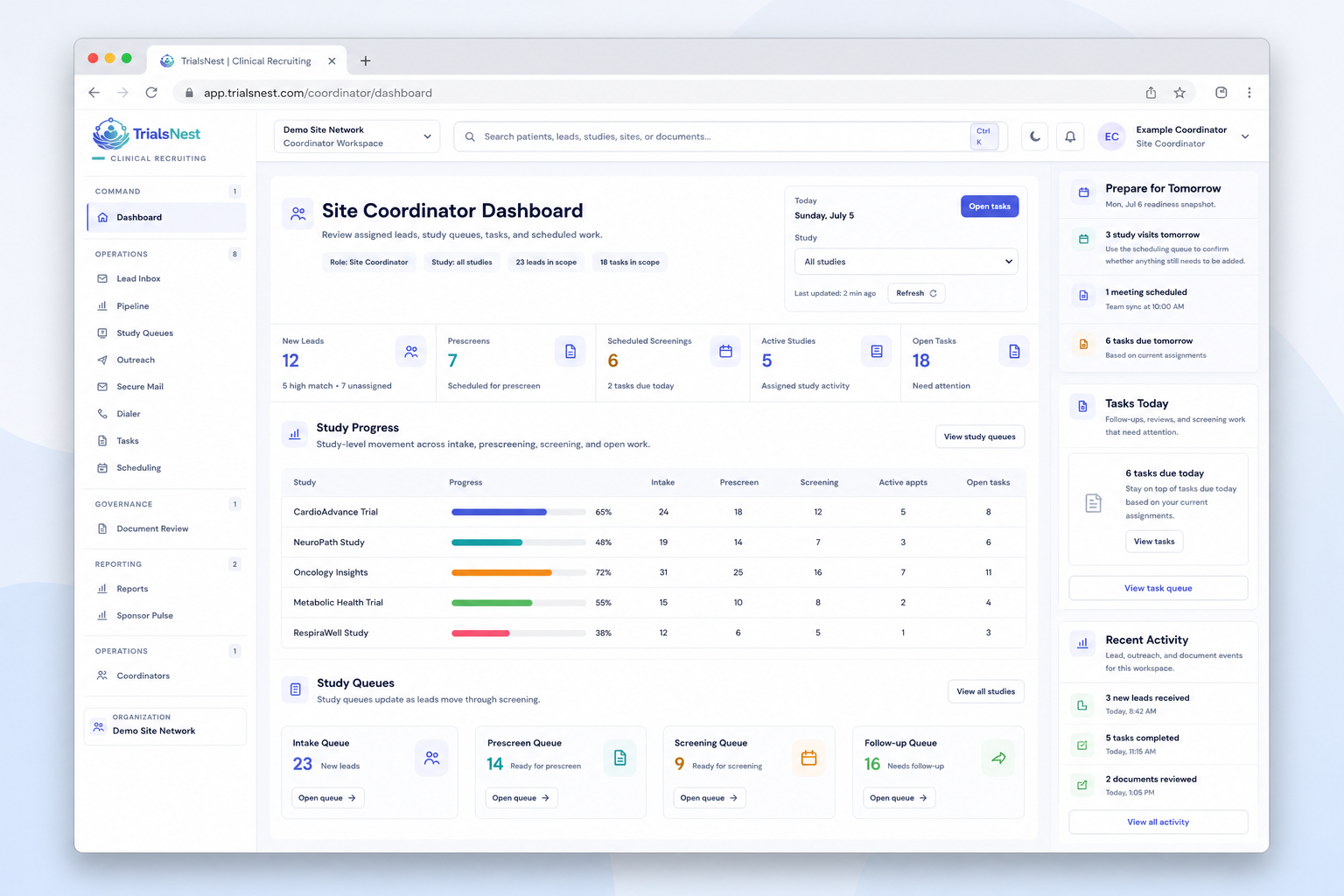
TrialsNest is for the day-to-day work after a patient raises a hand: assign the lead, review fit, request records, follow up, prepare visits, and explain progress.
Instead of hunting through inboxes and spreadsheets, coordinators can see which patients need review, records, outreach, scheduling, or a clean close reason.
TrialsNest carries public study interest into the private site work that follows: ownership, prescreen notes, records requests, tasks, visits, and recurring sponsor updates.
Site leaders and sponsors see where recruiting is moving, where it is stuck, and what the team is doing next without asking for a rebuilt tracker.
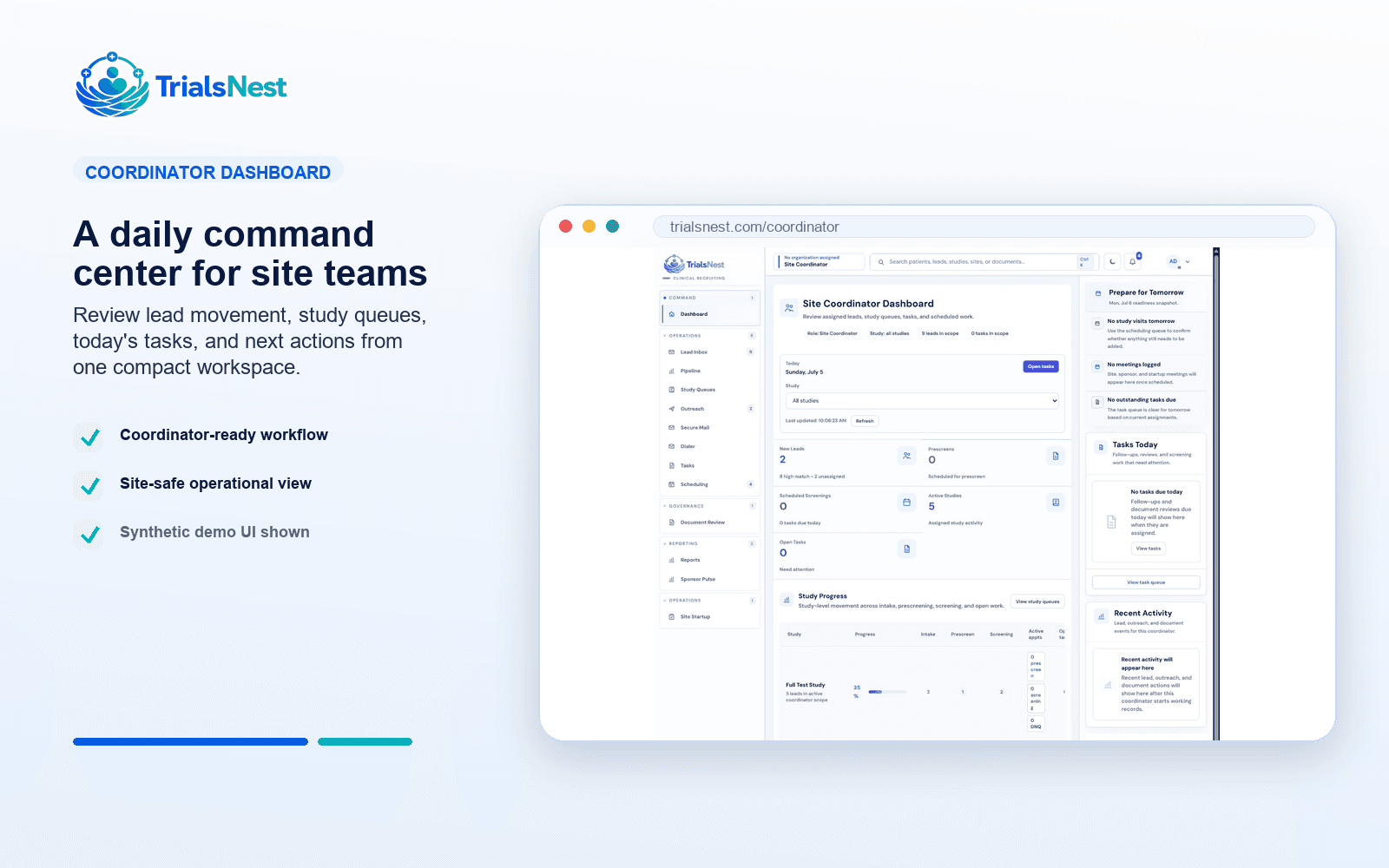
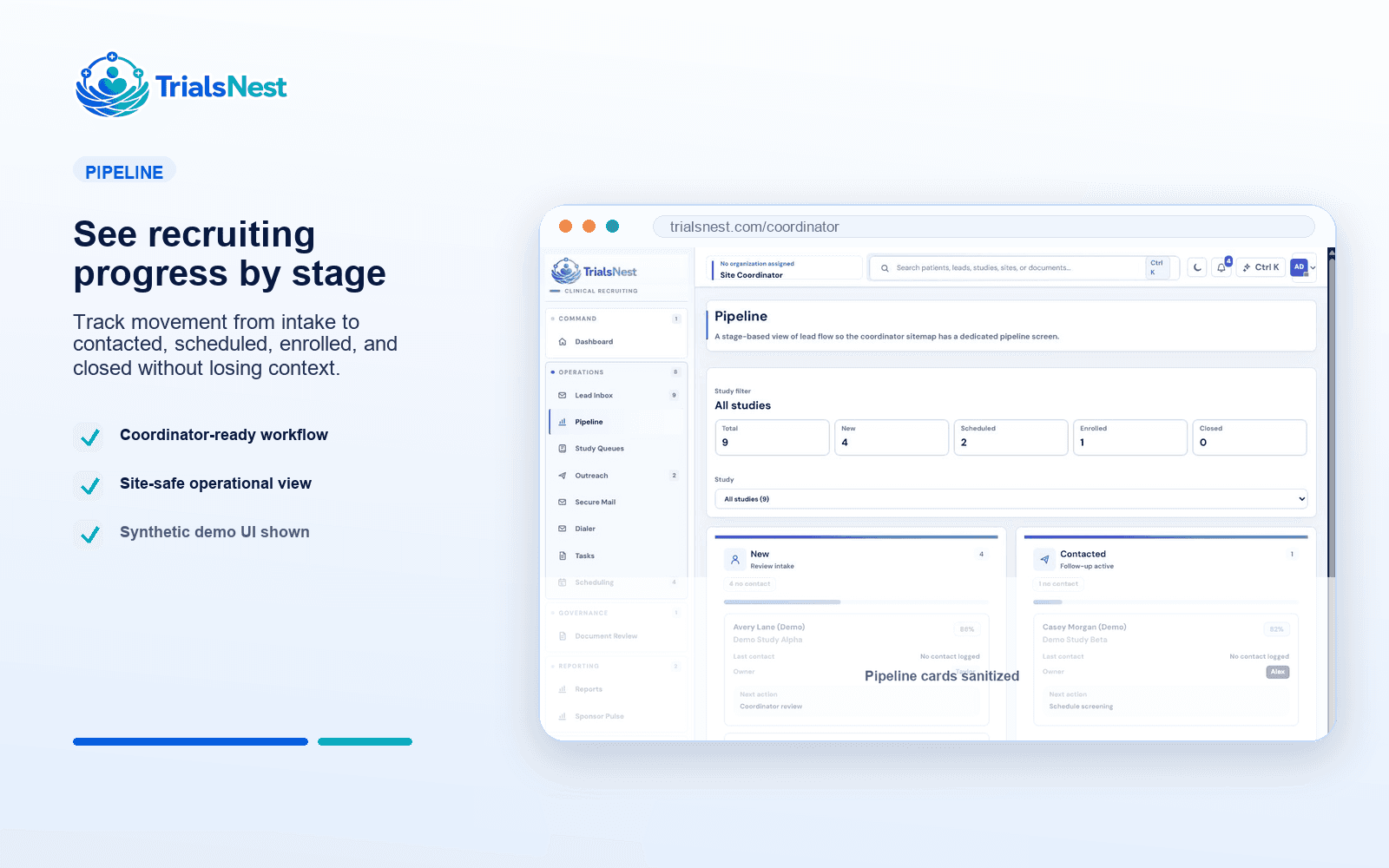
The path starts with patient interest and follows the work through site review, records, outreach, scheduling, and sponsor updates.
A useful enrollment view should not just count leads. It should show channel context, ownership, readiness, delay reason, and what deserves executive attention.
Bring patient inquiries into a study-aware queue with source, owner, status, duplicate context, and a visible next action for the site team.
Keep early fit signals, records readiness, outreach history, communication tasks, blockers, and close reasons tied to the same recruitment record.
Turn daily coordinator work into dashboards and sponsor-safe updates about movement, source quality, scheduled visits, stalled patients, and next actions.
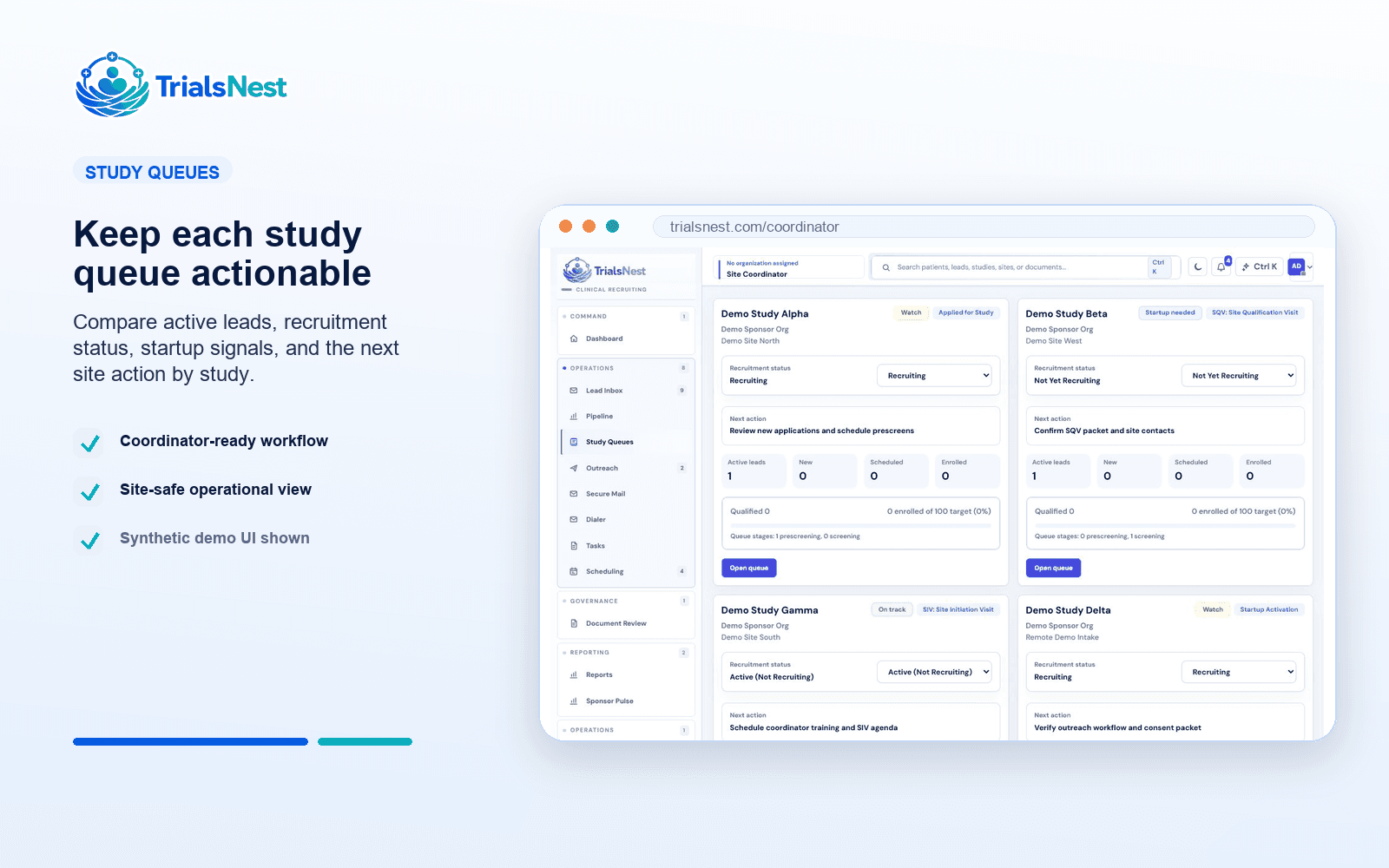
Bring patient inquiries into a study-aware queue with source, owner, status, duplicate context, and a visible next action for the site team.
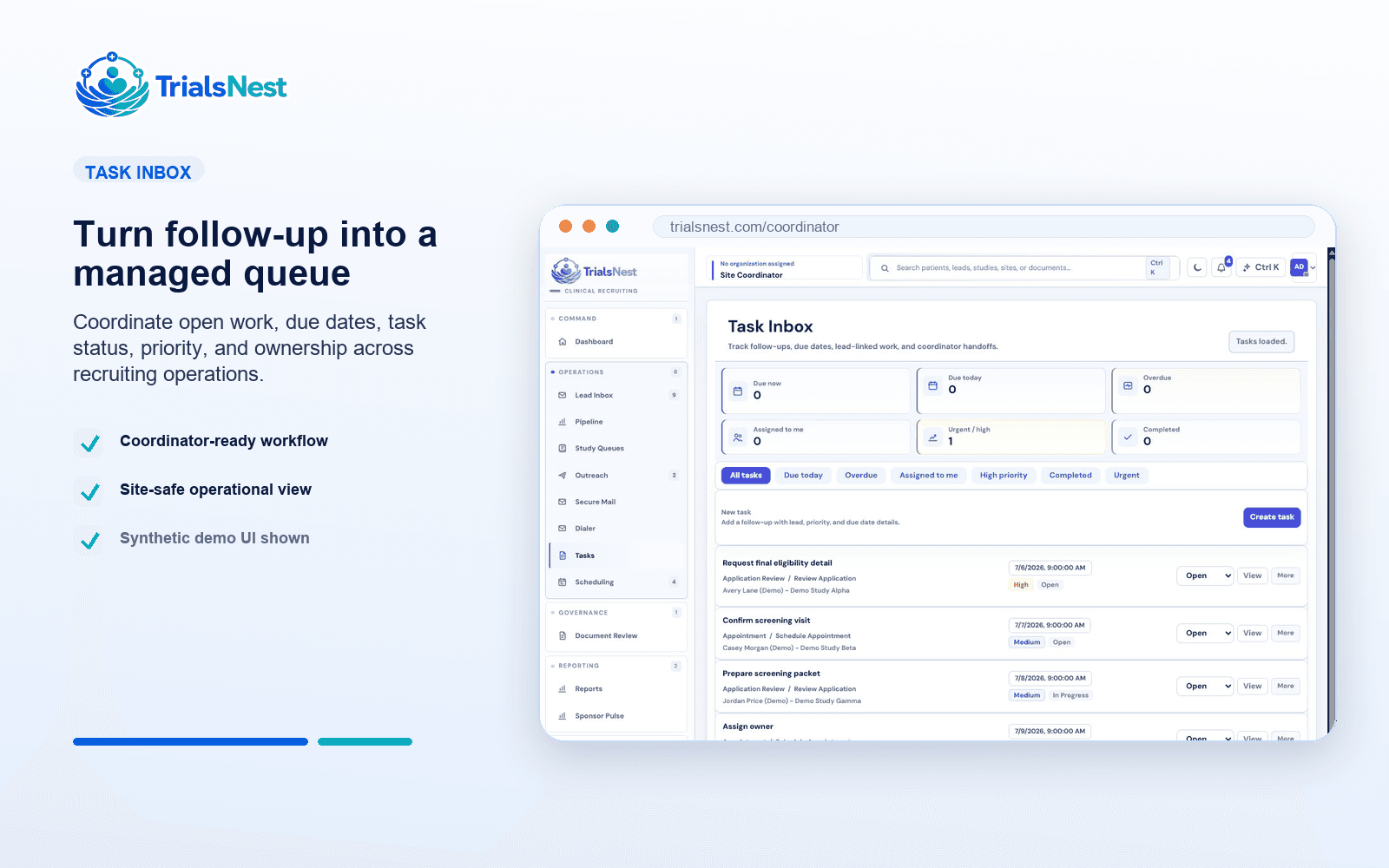
Keep early fit signals, records readiness, outreach history, communication tasks, blockers, and close reasons tied to the same recruitment record.
Turn daily coordinator work into dashboards and sponsor-safe updates about movement, source quality, scheduled visits, stalled patients, and next actions.
The preview keeps coordinator outreach, patient replies, and the next action in one safe sample conversation, matching the way TrialsNest presents messages as operational context.
Hi, I am checking in from the study team. Are mornings or afternoons better for a quick follow-up?
Afternoons are better. I also finished the item you requested in my portal.
Perfect. I marked that as received and added a reminder for the next step.
Great, I will note that afternoons are best for follow-up.
TrialsNest gives sites a single operating view for the parts of recruitment that usually drift: owner, status, records, follow-up, source quality, scheduled movement, and reporting.
Coordinators spend less time piecing together source, status, records, messages, and next steps before they can act.
Patient interest, site review, records readiness, scheduling, and sponsor updates stay attached instead of splitting across tools.
Buyers can evaluate the product around real site scenarios: inquiry routing, follow-up, records readiness, visit movement, and sponsor updates.
Compare intake, prescreening, coordinator ownership, records readiness, follow-up, scheduling, and reporting in one buyer checklist.
Review the patient recruitment tracking dashboard, queue movement, source quality, and next-action fields that teams actually use.
See how site teams connect patient recruitment tracking, coordinator work, records readiness, scheduling, and sponsor-safe reporting.
TrialsNest helps research sites organize patient inquiries, prescreening, coordinator ownership, records readiness, scheduling, and sponsor updates from one site-focused recruiting view.
TrialsNest helps clinical trial sites move patient interest from discovery into prescreening, coordinator review, records readiness, scheduling, source-quality tracking, dashboard review, and sponsor reporting without rebuilding the day in spreadsheets.
Move beyond disconnected inboxes and spreadsheets with a site workflow that keeps patient status, fit, records, outreach, scheduling, and reporting in one operational view.
Each solution page points buyers toward the controls that matter when patient discovery, site execution, and sponsor reporting meet.
Workflows are shaped around patients, coordinators, site leaders, sponsors, and admins seeing the right level of detail.
TrialsNest keeps sensitive recruiting workflows aligned to the secure backend boundary instead of adding PHI handling to public pages.
Reporting is designed around aggregate progress, blockers, and next steps rather than broad patient-level exposure.
Clinical trial recruitment software helps research teams manage the operational work of turning patient interest into reviewable next steps. That can include intake, source tracking, prescreen organization, follow-up, records readiness, scheduling movement, dashboards, and sponsor reporting.
A spreadsheet can list leads, but it usually does not keep study context, owner, source quality, prescreen state, records needs, communication history, stale-work review, scheduling readiness, and reporting together. TrialsNest is designed around the recruiting record the site team works every day.
No. A CTMS often focuses on broader trial administration. TrialsNest focuses on the recruitment operating layer: patient intake, coordinator follow-up, prescreening context, records readiness, scheduling movement, source quality, and sponsor reporting.
TrialsNest is a fit for research sites, site networks, CRO-style clinical operations teams, and sponsors that need concrete recruitment execution across patient inquiries, source performance, coordinator ownership, and enrollment-risk reporting.
No. TrialsNest organizes patient discovery, prescreening context, queue status, and follow-up needs. Authorized research sites and study teams make final eligibility, screening, and enrollment decisions.
Buyers should test real workflow scenarios: a new inquiry, a duplicate patient, a no-response lead, a records-needed candidate, a patient ready for scheduling, a weak recruitment source, and a sponsor asking for a concise progress update.
Walk through a real site scenario: a new inquiry, a records request, a follow-up task, a scheduling-ready patient, and a sponsor asking what changed this week.