01
Every lead has a next action
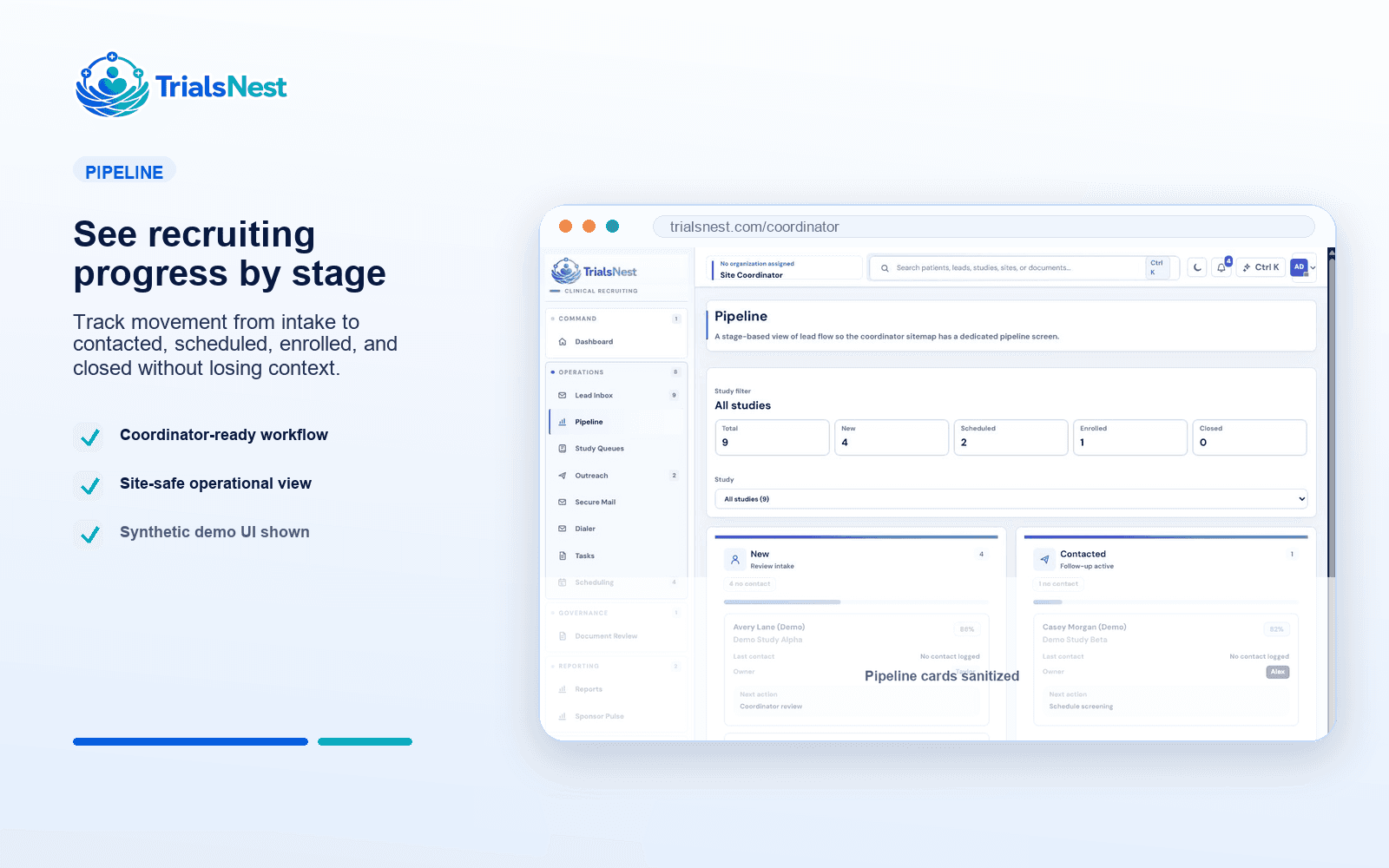
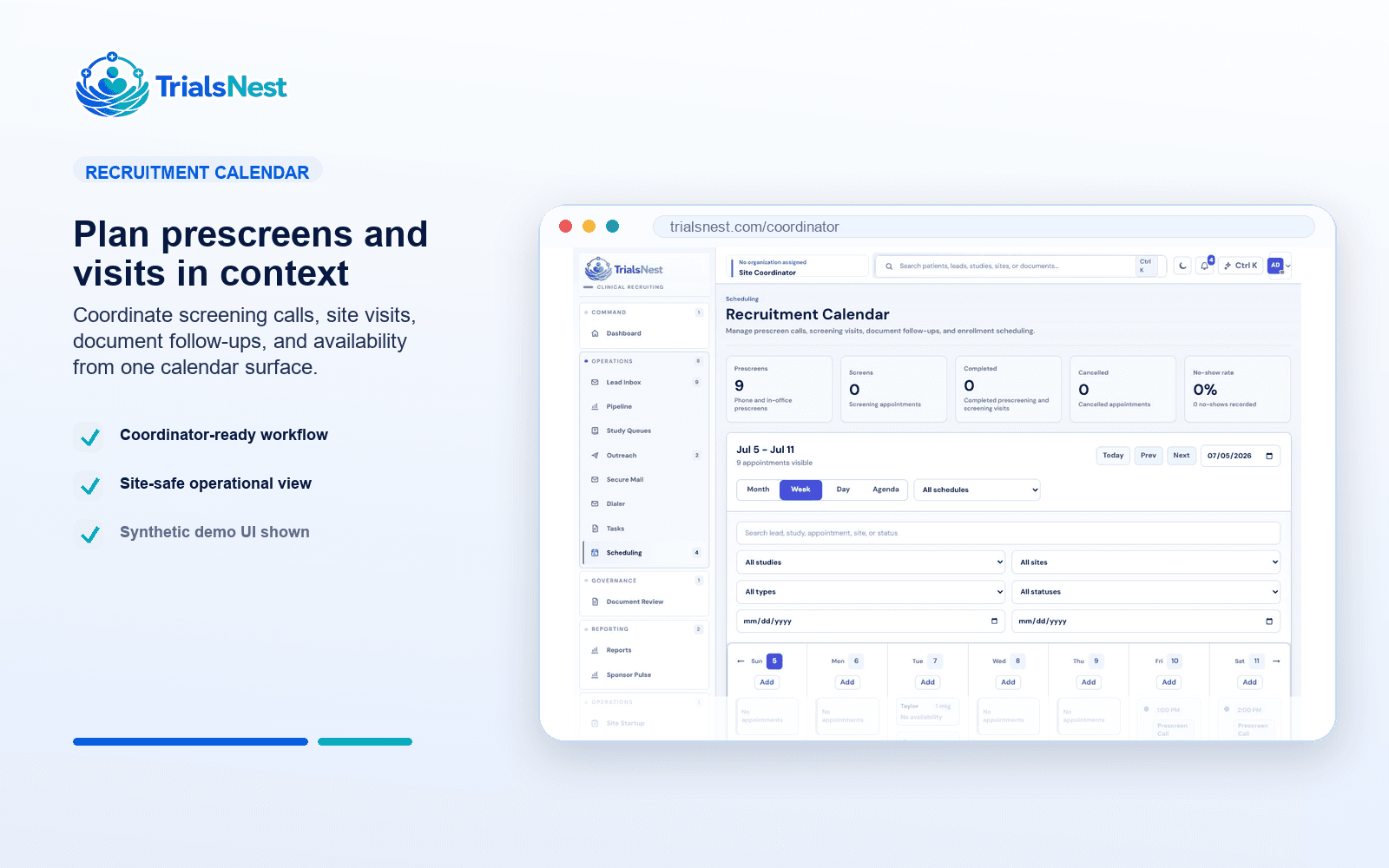
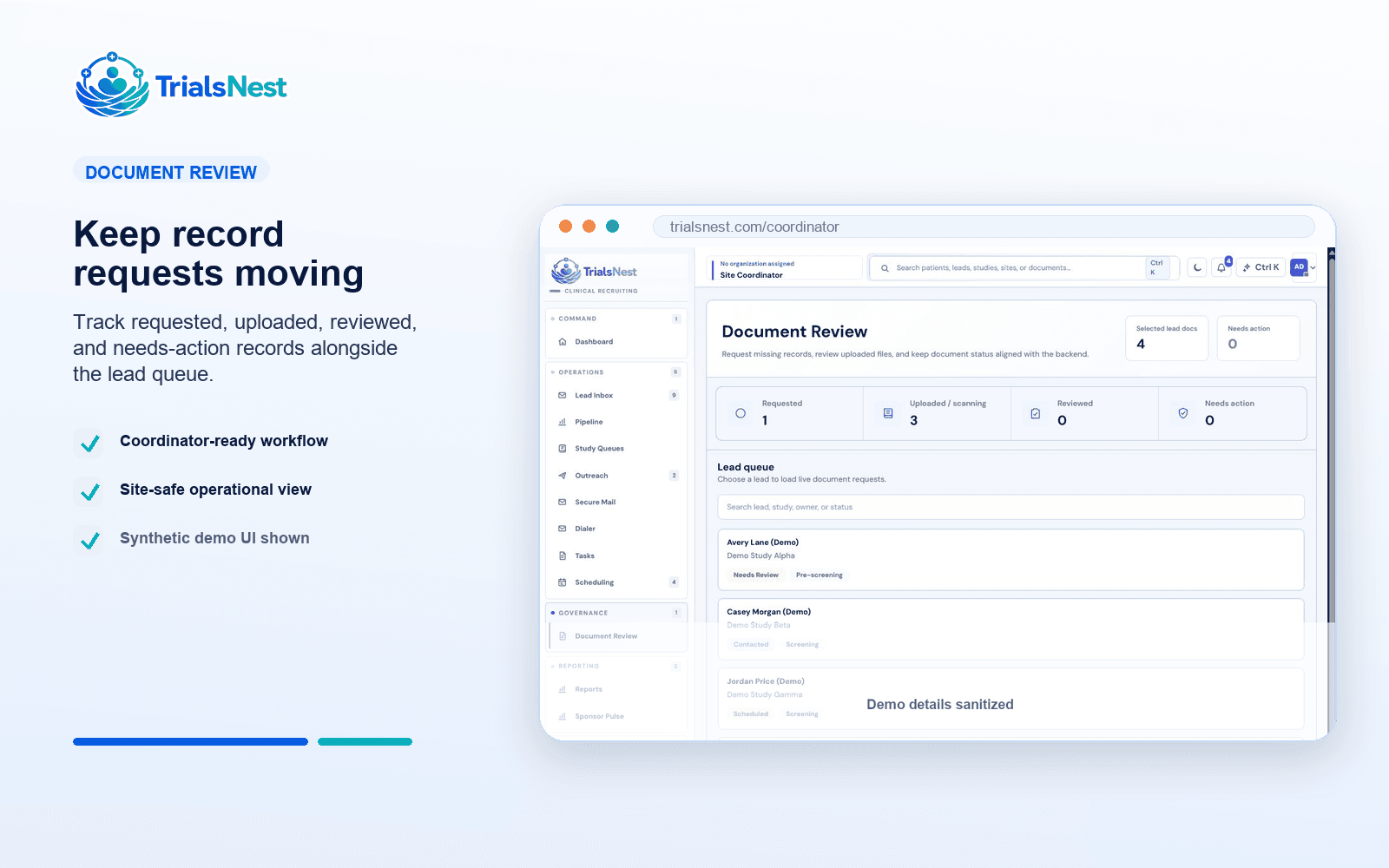
A useful site workflow shows whether a patient is new, contacted, awaiting records, prescreen-ready, scheduled, stalled, or closed.
Move beyond disconnected inboxes and spreadsheets with a site workflow that keeps patient status, fit, records, outreach, scheduling, and reporting in one operational view.
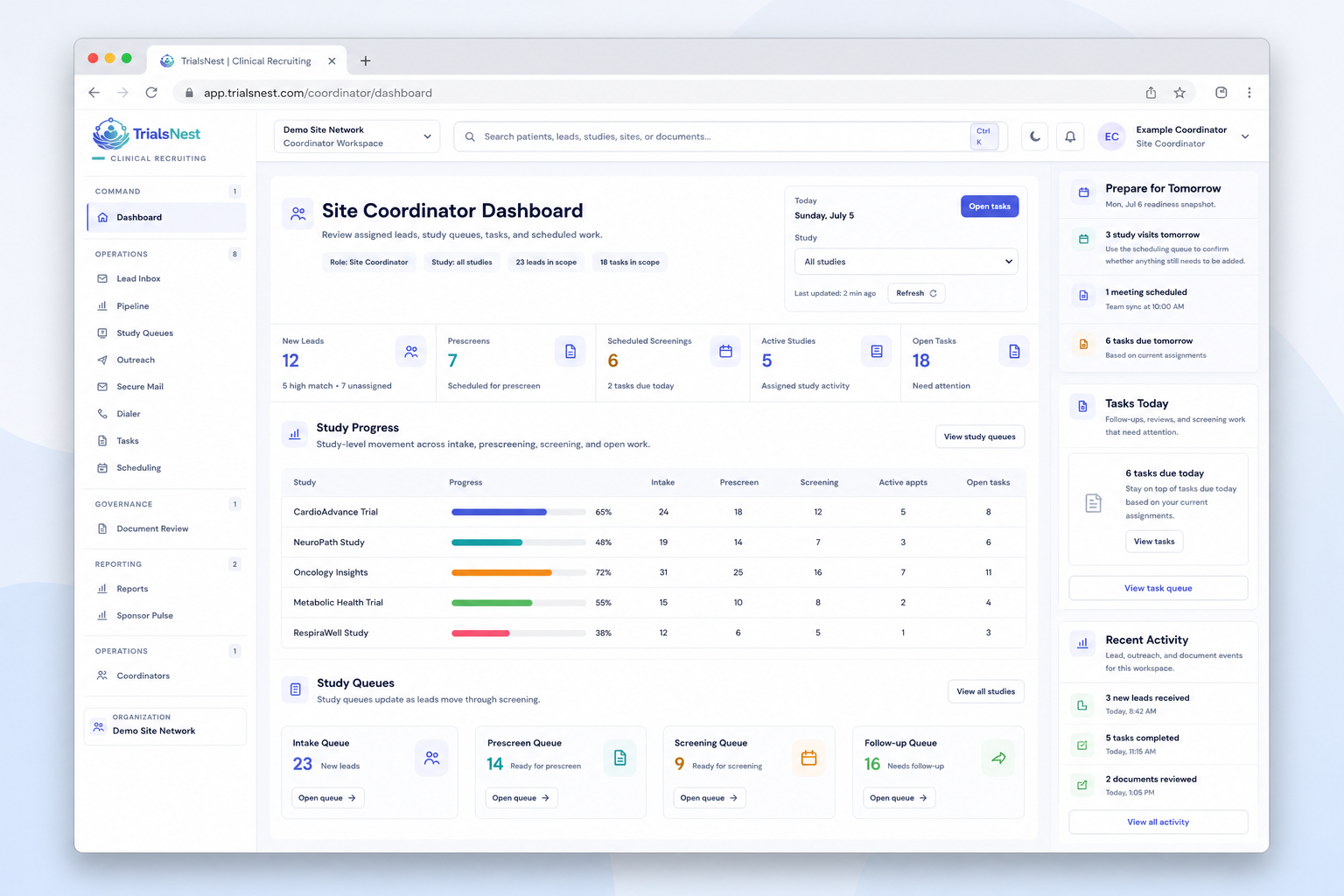
Each capability is designed around a concrete recruiting job: assign the owner, review fit, request records, schedule the next step, or explain what changed.
A useful site workflow shows whether a patient is new, contacted, awaiting records, prescreen-ready, scheduled, stalled, or closed.
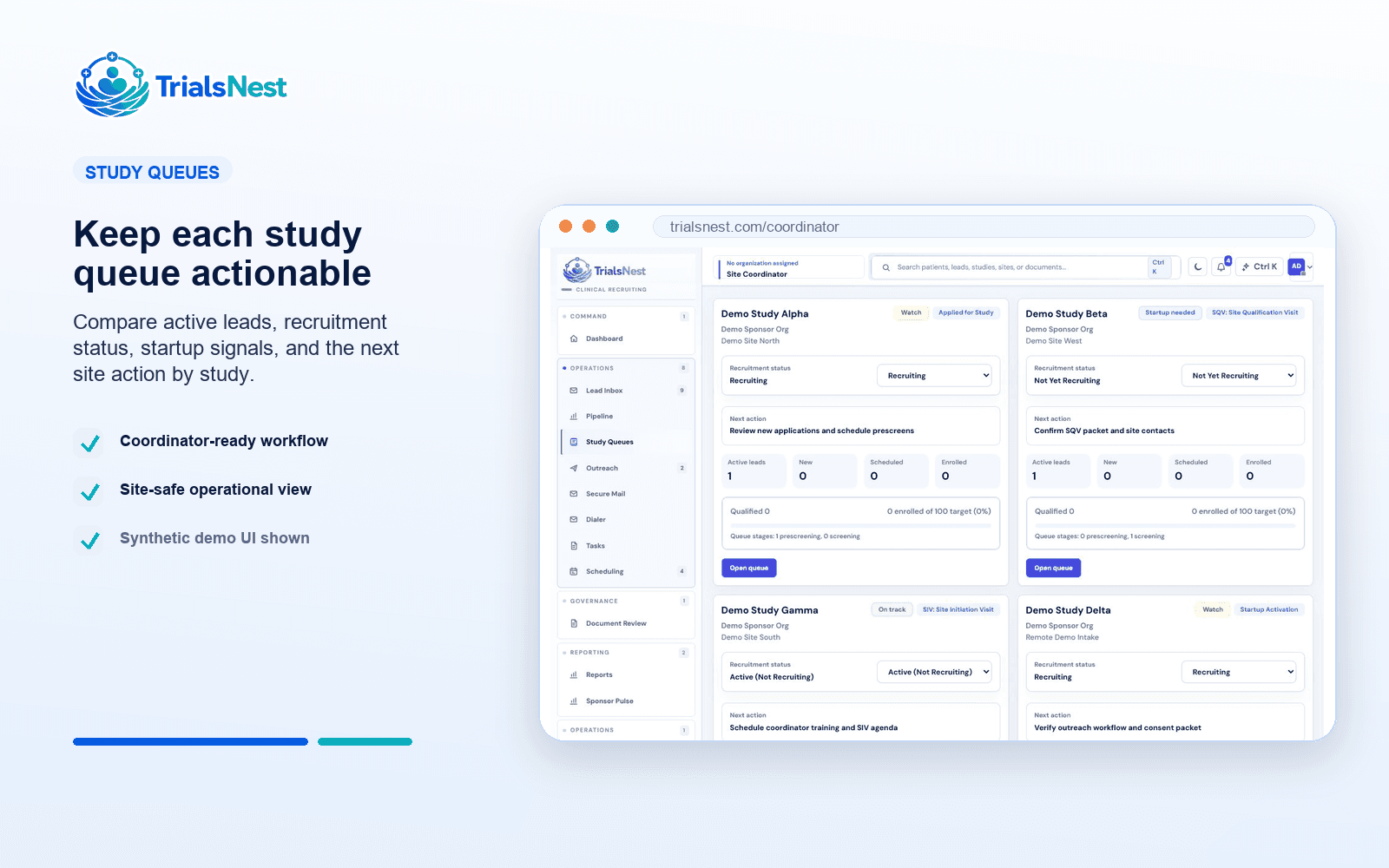
Recruitment work remains tied to the study, site, coordinator, patient stage, and source instead of becoming a generic task list.
When queue status is current, weekly reporting can explain movement and blockers instead of only counting leads.
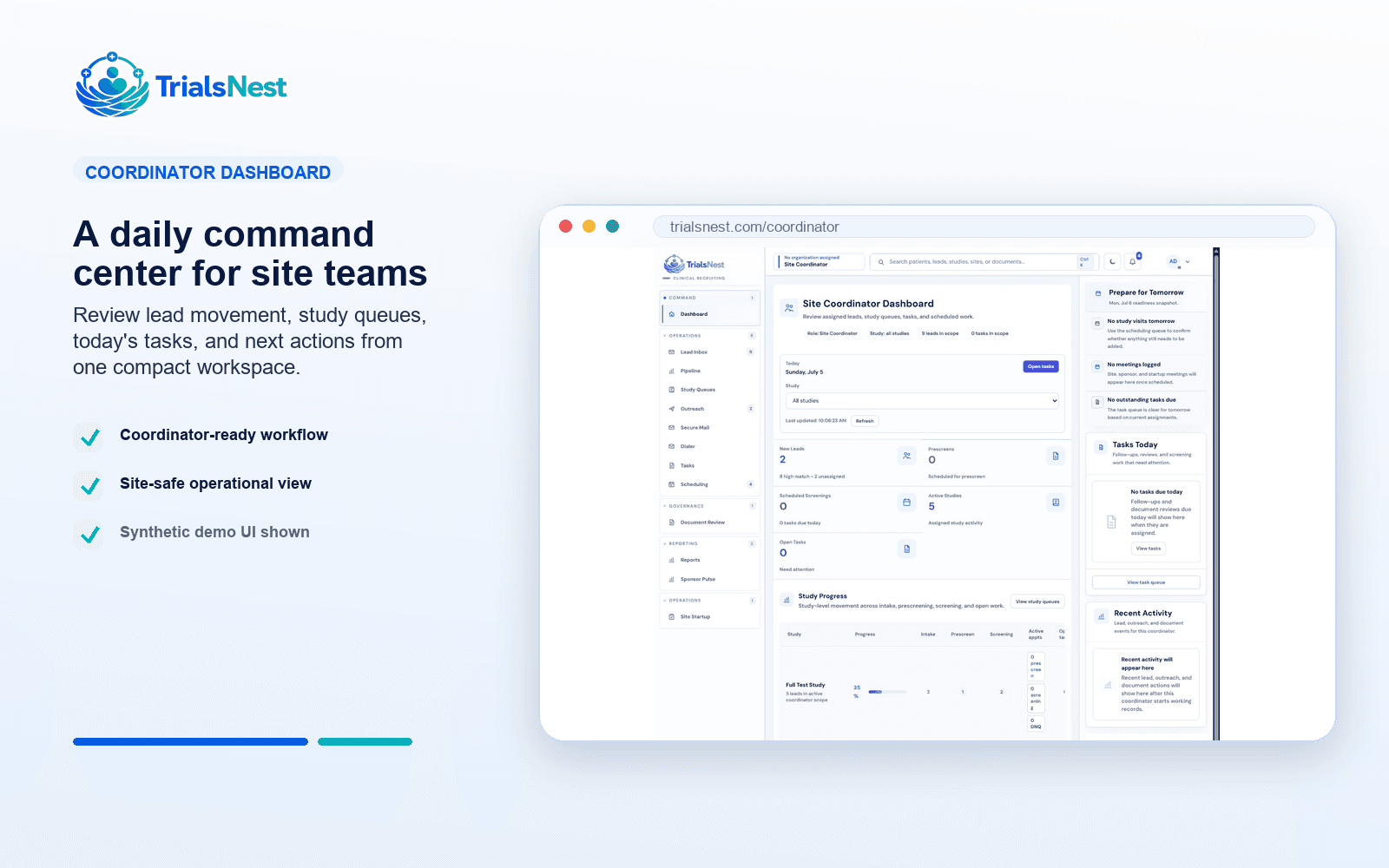
The page shows the practical product logic for buyers while keeping the language grounded in what site teams do every day.
Buyers can see the product logic before a demo: the left side shows the active recruiting record, and the right side shows how the team moves from signal to next step.
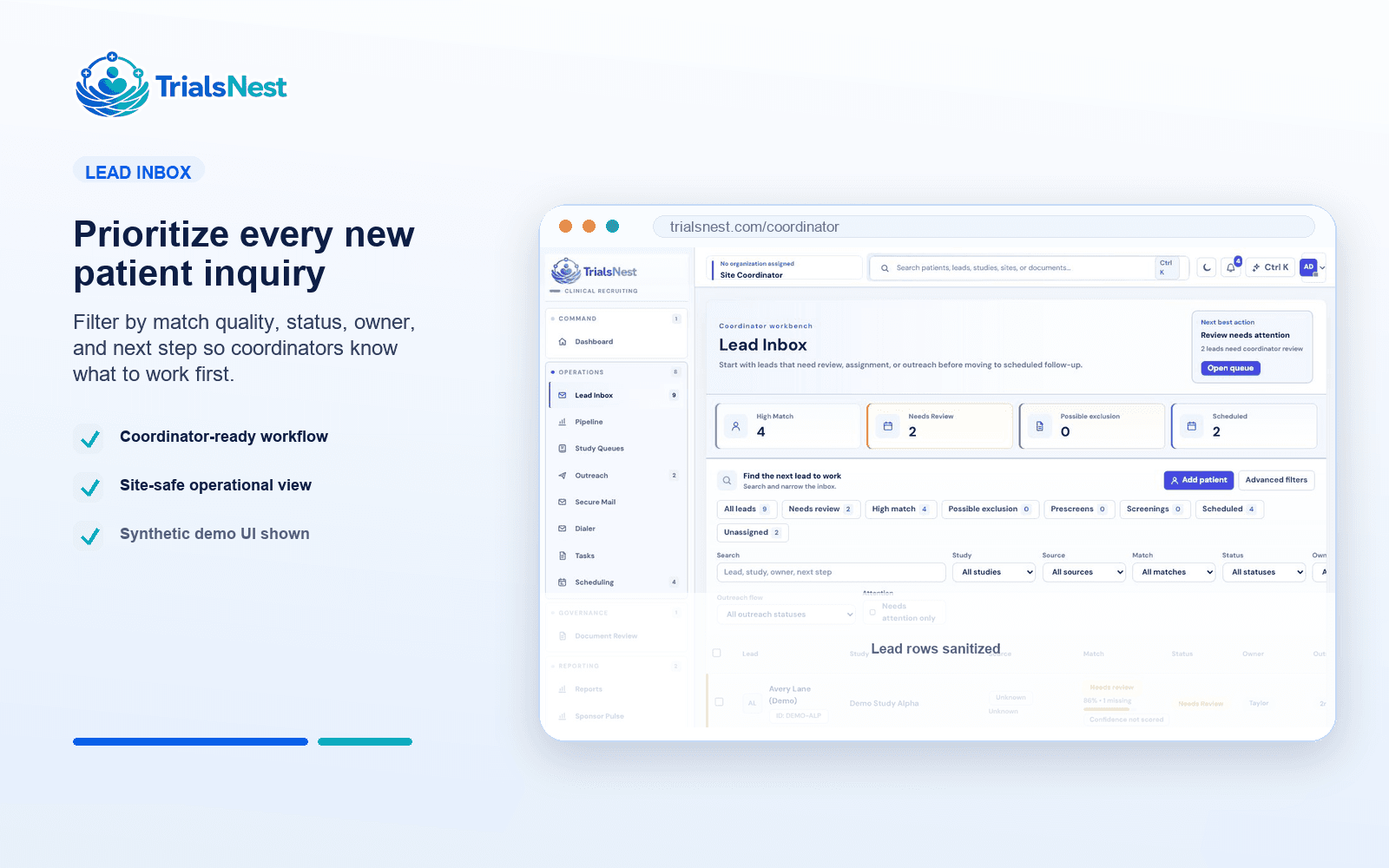
Route new patient interest into a structured queue with study, source, owner, status, and expected next step.
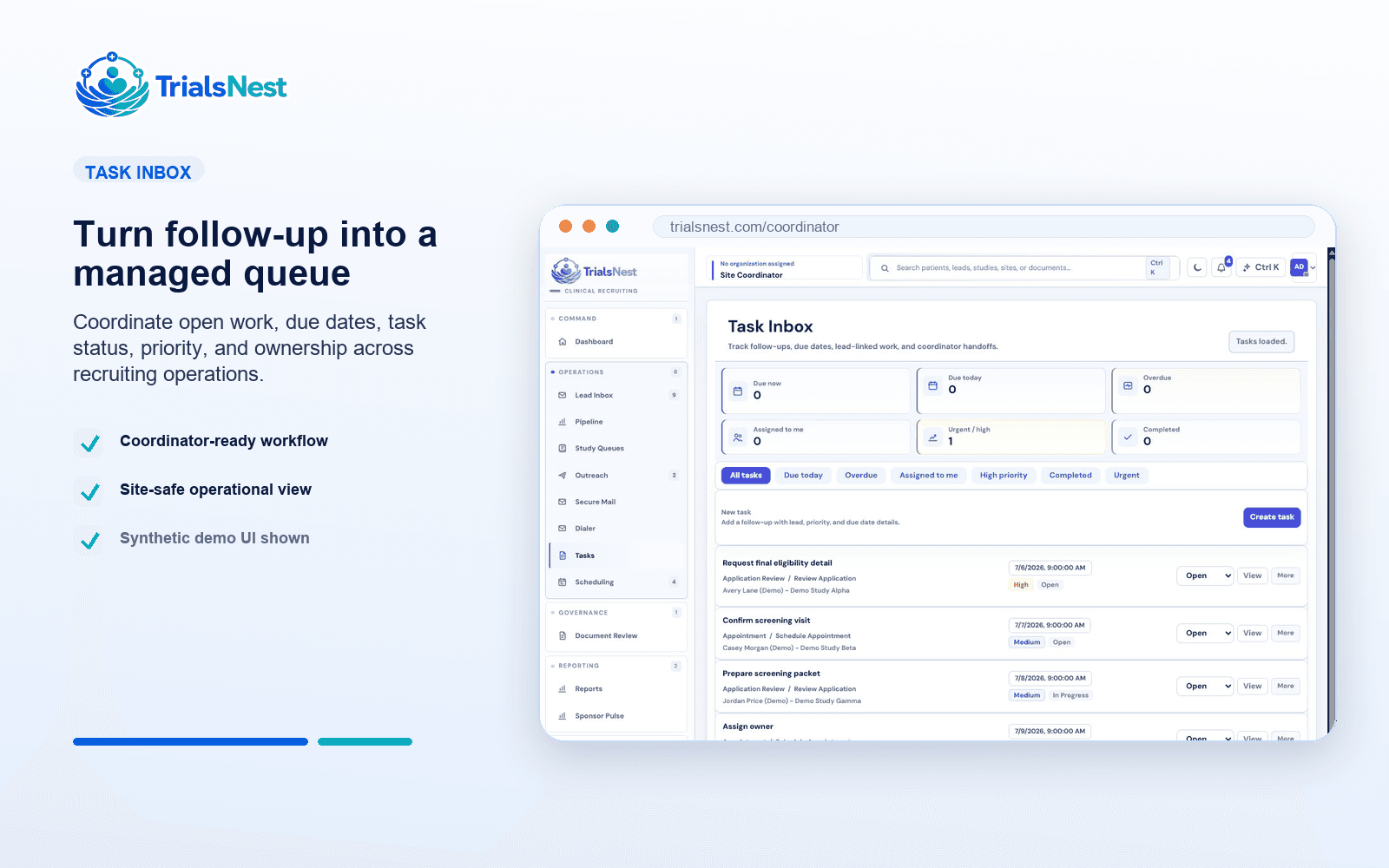
Coordinate outreach, prescreening, records, reminders, tasks, and scheduling from the same patient record.
Use pipeline and blocker status to decide where site leaders and sponsors should focus attention.
Route new patient interest into a structured queue with study, source, owner, status, and expected next step.
Coordinate outreach, prescreening, records, reminders, tasks, and scheduling from the same patient record.
Use pipeline and blocker status to decide where site leaders and sponsors should focus attention.
The preview keeps coordinator outreach, patient replies, and the next action in one safe sample conversation, matching the way TrialsNest presents messages as operational context.
Hi, I am checking in from the study team. Are mornings or afternoons better for a quick follow-up?
Afternoons are better. I also finished the item you requested in my portal.
Perfect. I marked that as received and added a reminder for the next step.
Great, I will note that afternoons are best for follow-up.
These pages give buyers enough context to understand the feature, then route them to a walkthrough when they are ready to see the product live.
Teams can see what needs action instead of rescanning long spreadsheets.
Qualified patients have a practical path from interest to scheduled next step.
The page targets operational searches from sites trying to fix recruiting execution.
Use a practical patient recruitment tracking dashboard with owners, statuses, blockers, and next steps tied to the active queue.
See where site recruitment workflow usually stalls and how teams can recover older leads before they disappear from the queue.
Review the dashboard fields that help coordinators manage recruitment workflow, scheduling readiness, and sponsor-safe updates.
TrialsNest helps research sites organize patient inquiries, prescreening, coordinator ownership, records readiness, scheduling, and sponsor updates from one site-focused recruiting view.
TrialsNest gives coordinators one place to see new inquiries, prescreen status, records needs, follow-up, visit readiness, and sponsor updates.
Bring lead intake, ownership, prescreening, records, messaging, scheduling, and reporting into one workspace built for daily coordinator work.
Each solution page points buyers toward the controls that matter when patient discovery, site execution, and sponsor reporting meet.
Workflows are shaped around patients, coordinators, site leaders, sponsors, and admins seeing the right level of detail.
TrialsNest keeps sensitive recruiting workflows aligned to the secure backend boundary instead of adding PHI handling to public pages.
Reporting is designed around aggregate progress, blockers, and next steps rather than broad patient-level exposure.
Site recruitment workflow software for clinical trials is built for research site teams and site administrators that need a concrete way to manage clinical trial recruitment activity, patient follow-up, and operational reporting.
No. TrialsNest supports patient discovery, prescreening organization, queue review, and site follow-up. Authorized research sites and study teams make final eligibility, screening, and enrollment decisions.
The capability connects to the broader TrialsNest workflow across patient interest, prescreening, coordinator review, records readiness, scheduling, and sponsor-safe reporting.
Walk through a real recruiting scenario, see where it fits in the platform, and decide what would matter most for your team.